Tag: Deployment
-
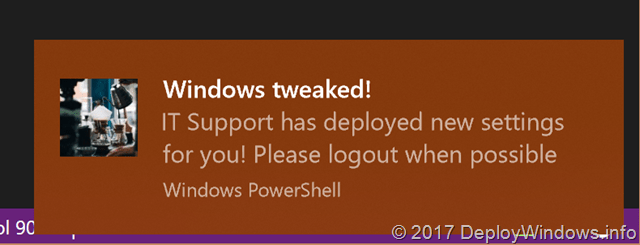
Want to become a Windows 10 Toast/Balloon expert – With or without Microsoft Intune
When deploying a script to users it might be a thing to inform them about what and when the change has been made. See the screenshots how the toast, balloon or popup message might look like I have an old post regarding toasts but now I thought it might a be a good idea to…
-
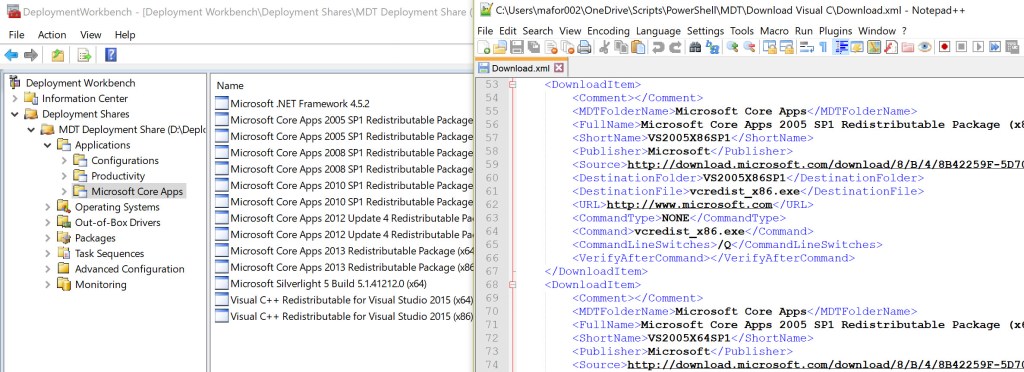
Automatically download and import applications to MDT
I finally had some time left so I wrote this small script to help me build my lab environment (and help me automate at customer sites) instead of building it manually. The script will not replace any hydration script instead it may interact with an existing MDT environment. It will download the source from a…
-

What’s the story about TPM owner password and BitLocker recovery password?
Everyone, Thanks for answering the poll in previous post! Most of you uses Active Directory to backup recovery information – I hope this post can help you to understand what you need to consider, validate and develop in the future. With the release of Windows 10 1607 and 1703, there have been changes how to…
-

Deploy and Troubleshoot Office 365 ProPlus Updates with ConfigMgr (2/2)
Ok, lets try to wrap things together and deploy, test, validate and troubleshoot the Office 365 ProPlus Updates thru Configuration Manager Software Update Point. In case you missed the first part: “Deploy and troubleshoot Office 365 ProPlus Updates with ConfigMgr 1/2” Preparation time For this setup I choose to have two Windows clients, Windows…
-

Deploy and Troubleshoot Office 365 ProPlus Updates with ConfigMgr (1/2)
With SCCM/Configuration Manager 1602 there is an option to deploy updates for Office 365 ProPlus. This is an elegant option instead of placing them on a DFS/file share. It’s easy to follow up the deployments with the new dashboard and take actions accordingly. There are a couple of minior changes between 1602, 1606 and 1610,…
-
Saving disk space with Windows 10?
I have an amount of devices that have a small hard disk (120 Gb or smaller), and finally the disk is running out when saving all the pictures, installing applications etc. Is there anything with Windows 10 that can help me minimize the footprint of the operating system? Yes, there have been a lot of…
-
Windows 10 Upgrade and clean-up tasks
As you probably know Microsoft have put a lot of hours into getting the Windows upgrade process to work from Windows 7 and Windows 8.1. The computers I have tested on I haven’t had any issues with the upgrade, but there are some things you have to consider that will not work. Among things that…
-
Hitting Error Code 2-28 and 30088-27 with Office 365 ProPlus updates?
These error codes has hit me multiple times while trying to upgrade my Office 365 ProPlus from a local source. Verify the following to help you troubleshoot Can System and User view the update files? Are the source files corrupt? Need to download again? Does it work from another computer or other user? Is the…
-
MDT for Windows 10
Are you into deployment? Keep an eye on the Microsoft Deployment Toolkit Team Blog over the coming month http://blogs.technet.com/b/msdeployment/ Until then read this wonderful news http://blogs.technet.com/b/msdeployment/archive/2015/02/04/mdt-and-windows-10-coming-soon.aspx
-
Reduce size of the WinSxS folder
The WinSxS folder (also called component store) also hold all components in the operating system. WinSxS folder is steadily increasing in size, one cause of this is Windows Updates. The WinSxS folder will make is for example possible for you to uninstall an update. Also each component file (including name, version, language…) is stored only…
 DeployWindows