Every now and then I need a way to get user information about a logged on user, and I need to get that information locally. It’s not possible to query a domain controller, or another service.
So here is a small script that will help you to get information such as username, user domain, username, SID, and UPN, user principal name.
The latest version is always available on my Git, but find my first version here
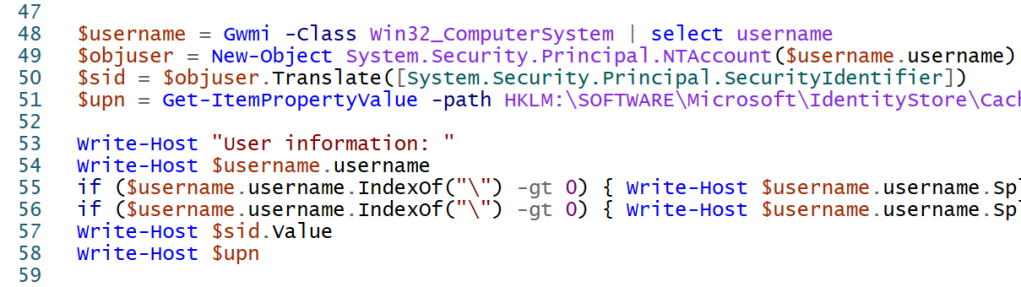
$username = Gwmi -Class Win32_ComputerSystem | select username
$objuser = New-Object System.Security.Principal.NTAccount($username.username)
$sid = $objuser.Translate([System.Security.Principal.SecurityIdentifier])
$upn = Get-ItemPropertyValue -path HKLM:\SOFTWARE\Microsoft\IdentityStore\Cache\$($sid.value)\IdentityCache\$($sid.value) -Name “UserName”
Write-Host “User information: ”
Write-Host $username.username
if ($username.username.IndexOf(“\”) -gt 0) { Write-Host $username.username.Split(“\”)[0] }
if ($username.username.IndexOf(“\”) -gt 0) { Write-Host $username.username.Split(“\”)[1] }
Write-Host $sid.Value
Write-Host $upn
If you find this script useful, why not share your ideas and solutions in the comments! Happy scripting
 DeployWindows
Leave a comment