Have you ever seen in Windows that Action Center complains about you have not Set up backup? You probably had, and all your users too!
In worst case your users will see some thing looking like this:
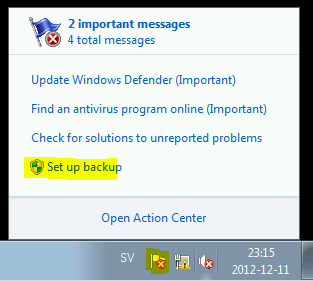
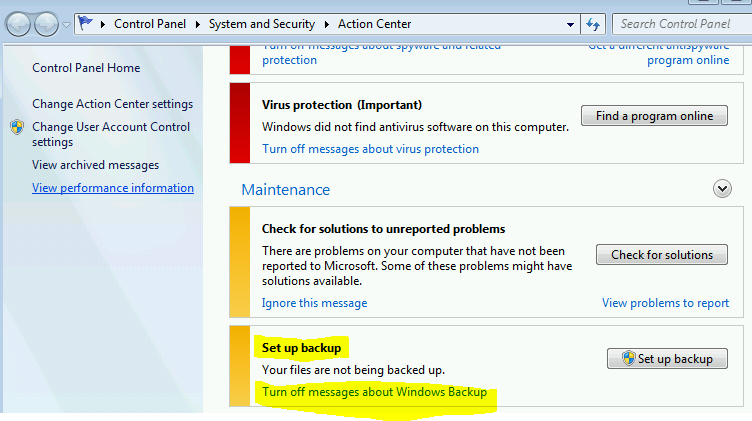
So in an enterprise environment how do we “Turn off message about Windows Backup” in Action Center?
If we take a look at this MSDN article we can see there is a registry value DisableMonitoring with type REG_DWORD located in HKEY_LOCAL_MACHINE\SOFTWARE\Microsoft\Windows\CurrentVersion\WindowsBackup
| Note! As it states in the article this key is created for OEMs and developers of third-party backup applications |
This registry value can be distributed via MSI, Script, Group Policy… and the values means:
- Value doesn’t exist or is set to 0, Action Center will monitor if backup have been made
- Value is set to 1, Action Center will not monitor backup
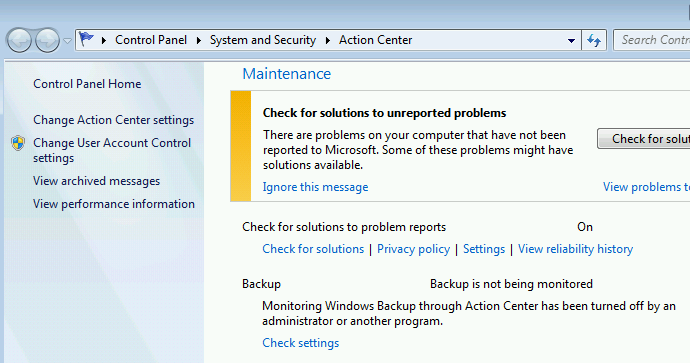
Now you will have to wait until 10 AM next day (a restart will not get rid off it) and the notification is gone and it looks like this
 DeployWindows
Leave a comment